 Hikaku
Content Credentials (C2PA): what they are and how to check them
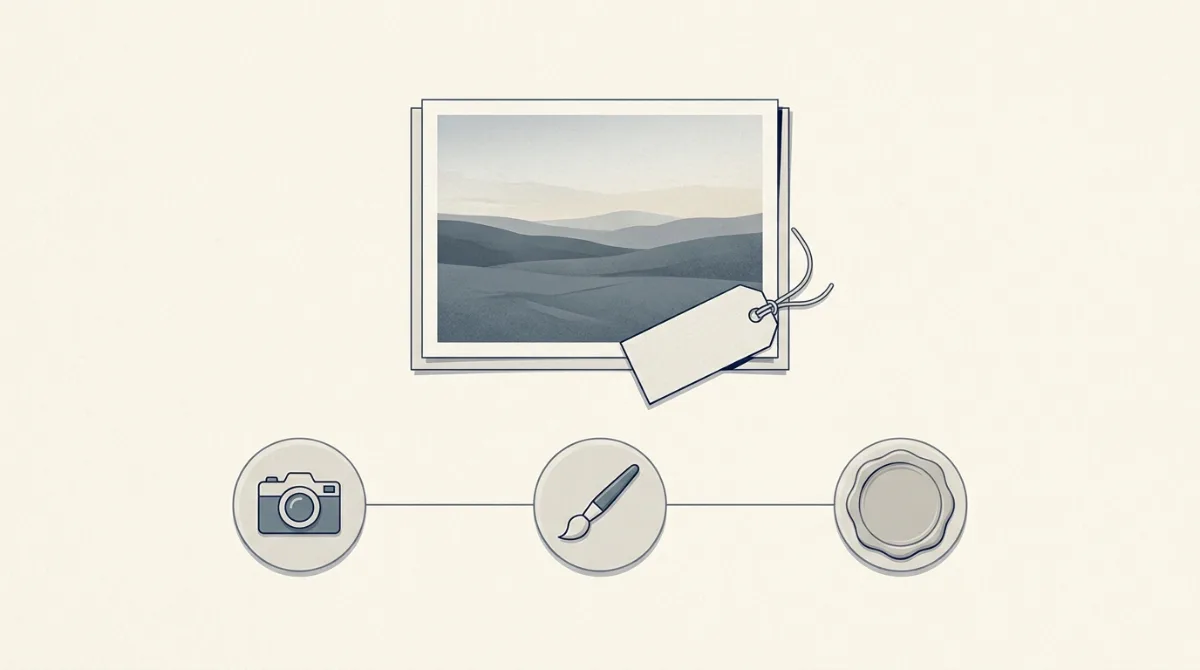
Content Credentials are the closest thing images have to a nutrition label. When they're present, they tell you who made a file, with what tool, and whether generative AI was involved. They're also easy to lose. Here's what they are and how to check them.
What are Content Credentials?
Content Credentials are a tamper-evident record attached to an image, video or audio file that describes where it came from and what was done to it. They're based on an open standard from the C2PA, the Coalition for Content Provenance and Authenticity, which was founded in 2021 by companies including Adobe, Arm, BBC, Intel, Microsoft and Truepic. In apps you'll often see them marked with a small "CR" icon.
What's inside a credential
- The tool that made it. The standard calls this the claim generator: a camera, an editing app or an image generator.
- What happened to it. Actions such as created, edited, cropped or combined, and the other files (ingredients) that went into it.
- The digital source type.
trainedAlgorithmicMediameans the content was made by generative AI.digitalCapturemeans it came from a camera. - A signature. A cryptographic signature from whoever issued the credential, so you can tell whether the record was changed afterward and who stands behind it.
Who adds them
Several AI image tools add Content Credentials to what they generate; Adobe Firefly and OpenAI's image tools are two examples. Some cameras and phones add them to photos at the moment of capture, and some editing apps update them when you make changes. Coverage is growing quickly, but it is far from universal.
Why they often disappear
Most social platforms re-encode uploads and strip the file's metadata along the way. Screenshots drop it, and so do many editing tools. In our benchmark of 548 images from Reddit, not one still carried Content Credentials or an AI label.
That gives you a simple rule: a credential is a strong signal, and a missing credential tells you almost nothing.
Does a credential prove an image is real or fake?
Less than people assume. A valid signature tells you the record wasn't altered after signing, and who signed it. It doesn't make the content true: it records what the signer's tool reported. Unsigned metadata, such as a plain IPTC label, can be edited by anyone. Treat credentials as strong evidence about a file's history, not a verdict about the world.
How to check Content Credentials
- Content Credentials Verify. Upload a file at contentcredentials.org/verify to see its credential history and whether the signature checks out.
- c2patool. The open-source command-line tool from the Content Authenticity Initiative prints the full manifest, which is handy for batches and scripts.
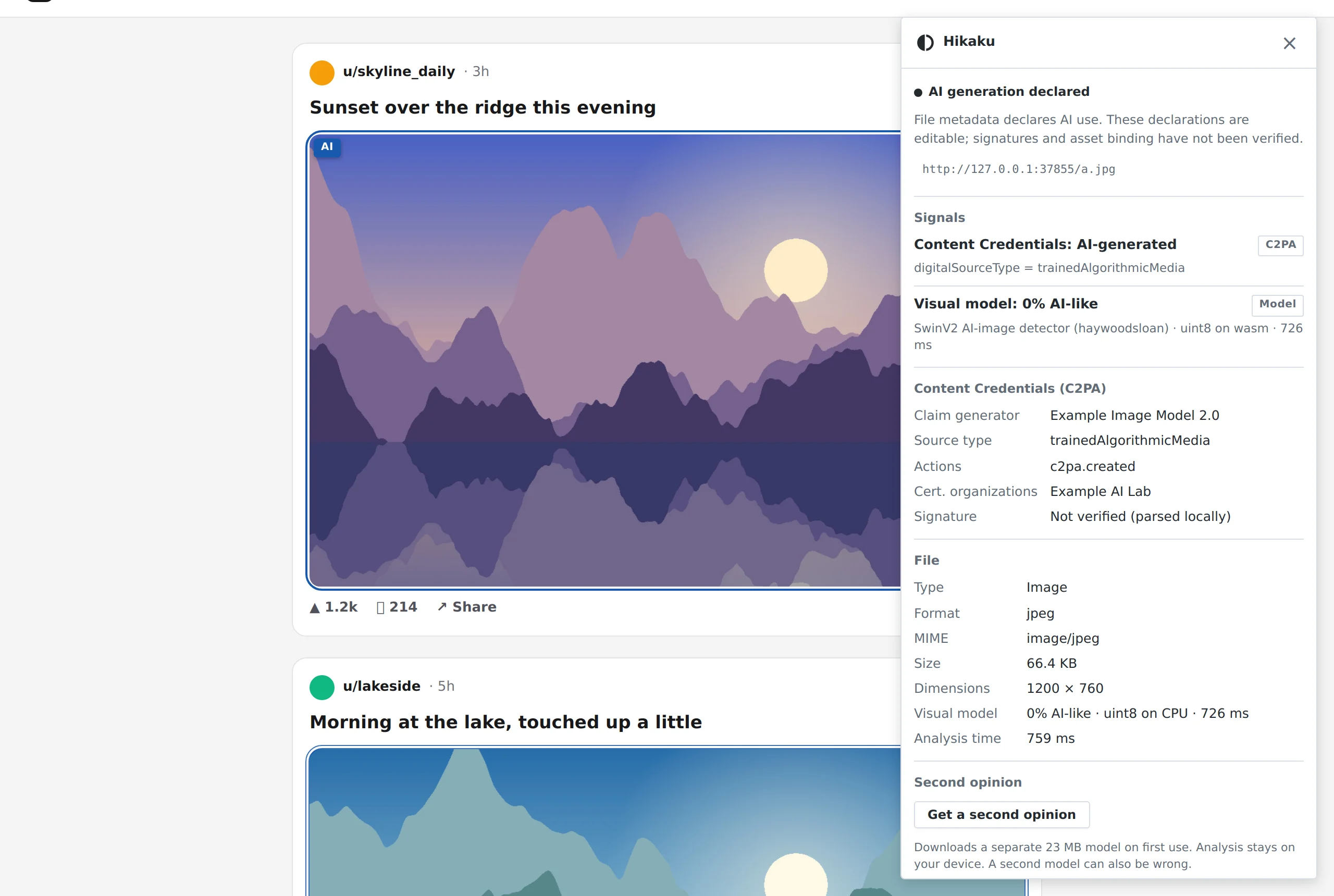
- In your browser, with Hikaku. Hikaku reads credentials in JPEG, PNG, WebP, MP4, MOV, AVIF and HEIC files as you browse, and shows the generator, source type, actions and signing organization in its details panel. It parses credentials but does not yet verify their signatures, so use Verify when you need that.
No credential? Fall back on the other checks in how to tell if a photo is AI-generated.
Common questions
What does C2PA stand for?
The Coalition for Content Provenance and Authenticity, the group behind the open standard that Content Credentials are built on.
What does trainedAlgorithmicMedia mean?
It is the digital source type for content created by generative AI. You will find it in Content Credentials and in IPTC metadata.
Can Content Credentials be removed?
Yes. Re-encoding, screenshots and many editing tools remove them, and most social platforms strip them from uploads. A missing credential does not mean an image is real or fake.